

Our Impact in 2025-26:
With the support of donors like YOU, we have transformed the lives of millions:
- ✨ 23,22,375 children impacted overall
- 🎒 2,27,833 children in school
- 🗣️ 1,23,367 children empowered through children’s collectives
- 💻 39,924 children benefitted from digital learning through CRY Support Centres
- 🛡️ 34,731 children protected from child labour/ marriage/ trafficking
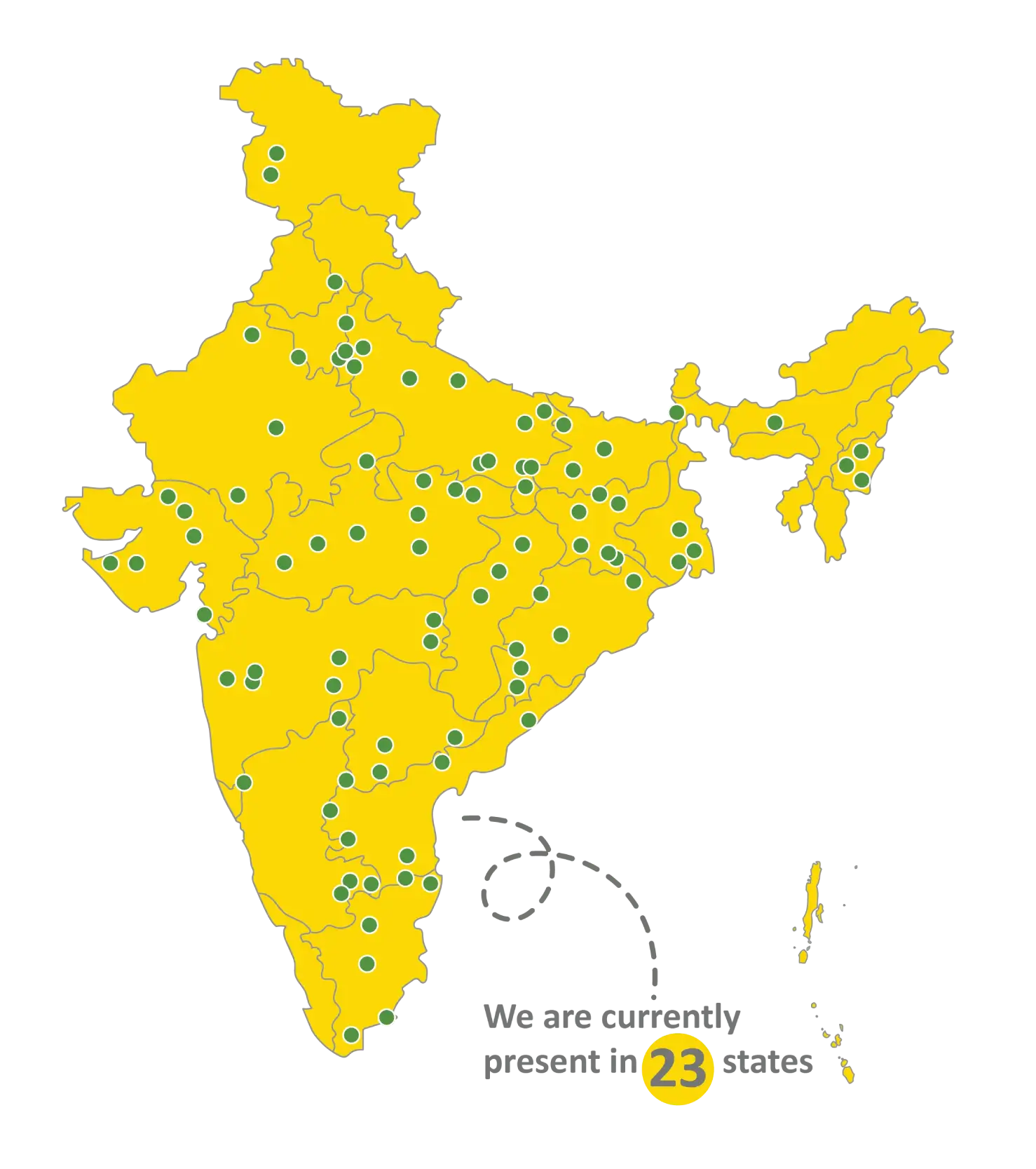
- 🌱 5,917 kitchen gardens set up across 12 states to combat malnourishment
Yet, out of 472 million children in India, millions still need urgent support. Your ngo donation today can give a child a real chance at a better future.
How You Can Make A Difference?
Every contribution you make, no matter how small, creates a ripple effect of change. Your support helps us ensure that India’s children can attend school, receive proper nutrition and healthcare, and remain protected from abuse and exploitation. Join us in creating happier childhoods for India’s children.
Donate online today and bring hope to a child’s life. Donate to CRY NGO and receive a 50% tax exemption under section 80G of the Income Tax Act. Give children the childhood they deserve. Make a difference today! Donate now.
All donations to CRY (Charity No: F-0005208(GBR)) get tax benefits under Section 80G of the Income Tax Act.